What devices does OptimizeERP run on?
The mobile app runs on any Android device (Android 8+). An iOS version is coming soon - stay tuned! The Web POS works in any modern browser - Chrome, Firefox, Safari, or Edge - on desktop, tablet, or phone.
Is my data secure?
Absolutely. Each organization's data is fully isolated in a multi-tenant architecture. All communication is encrypted via HTTPS, sessions can be viewed & revoked, and we support email verification with secure password resets.
How do I get an organization code?
Contact the OptimizeERP administration team to request a registration token. Once you receive the token, you can use it to register your organization and receive your unique organization code. Share this code with your team so everyone can sign in to the same workspace.
What payment methods does the POS support?
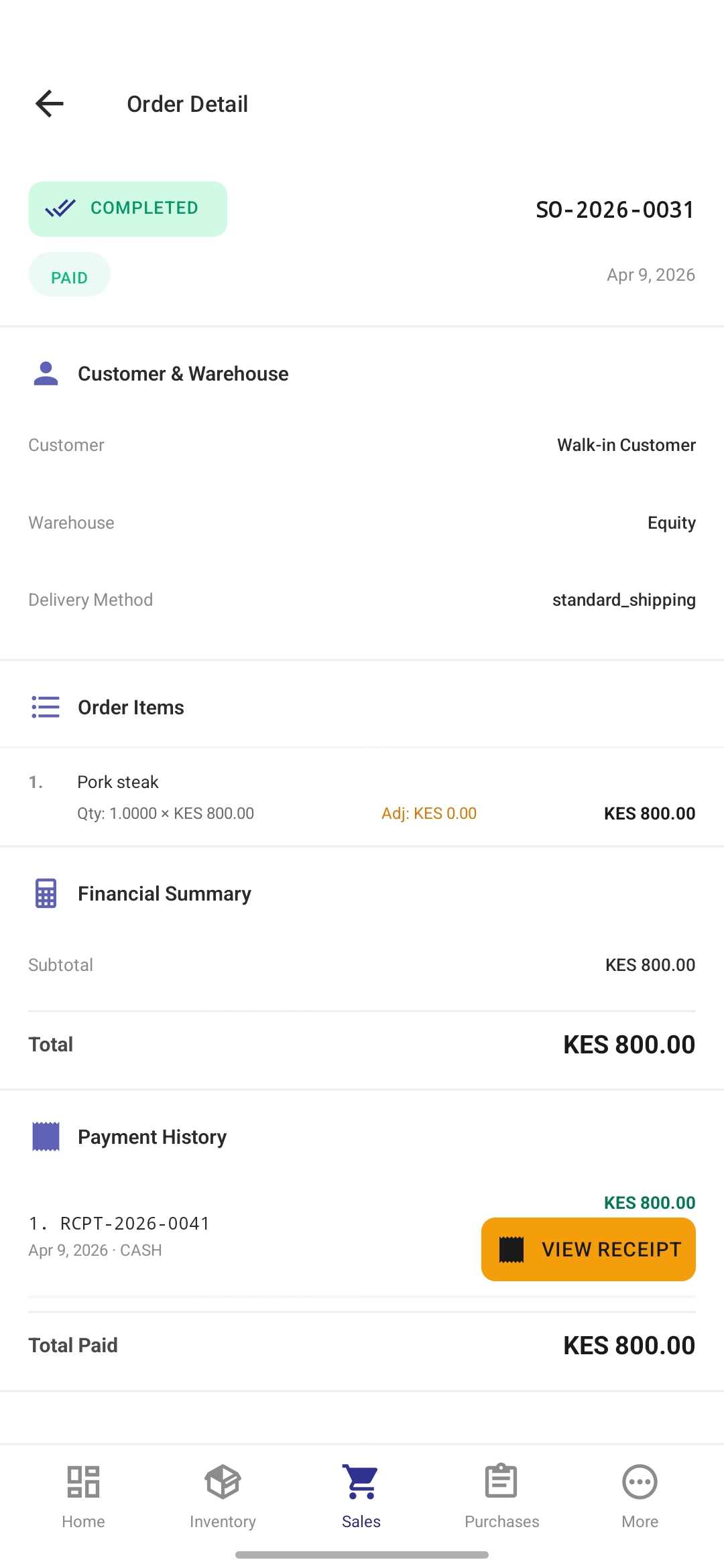
The POS supports Cash, M-Pesa (mobile money), Bank Transfer, Credit Card, and Cheque. You can do full payments, partial payments, or defer to credit - and even split a single transaction across multiple accounts.
How does batch tracking work?
When you receive stock, you assign it to a named batch (e.g. “BATCH-2026-001”). OptimizeERP tracks how much of each batch is on hand and lets you choose a specific batch when creating a sales order - so you always know exactly which batch went to which customer. Each batch can carry an expiry date, and all batch movements are logged in a full audit trail.
What is product grading?
Product grading lets you receive and sell the same product at different quality levels - for example Grade A (premium), Grade B (standard), and Grade C (economy). Each grade has its own independent stock level and can carry a different selling price. On the sales screen, simply tap the grade button to choose which tier to sell from. This is ideal for produce, secondhand goods, or any product where quality varies.
Can I scan QR codes or barcodes with OptimizeERP?
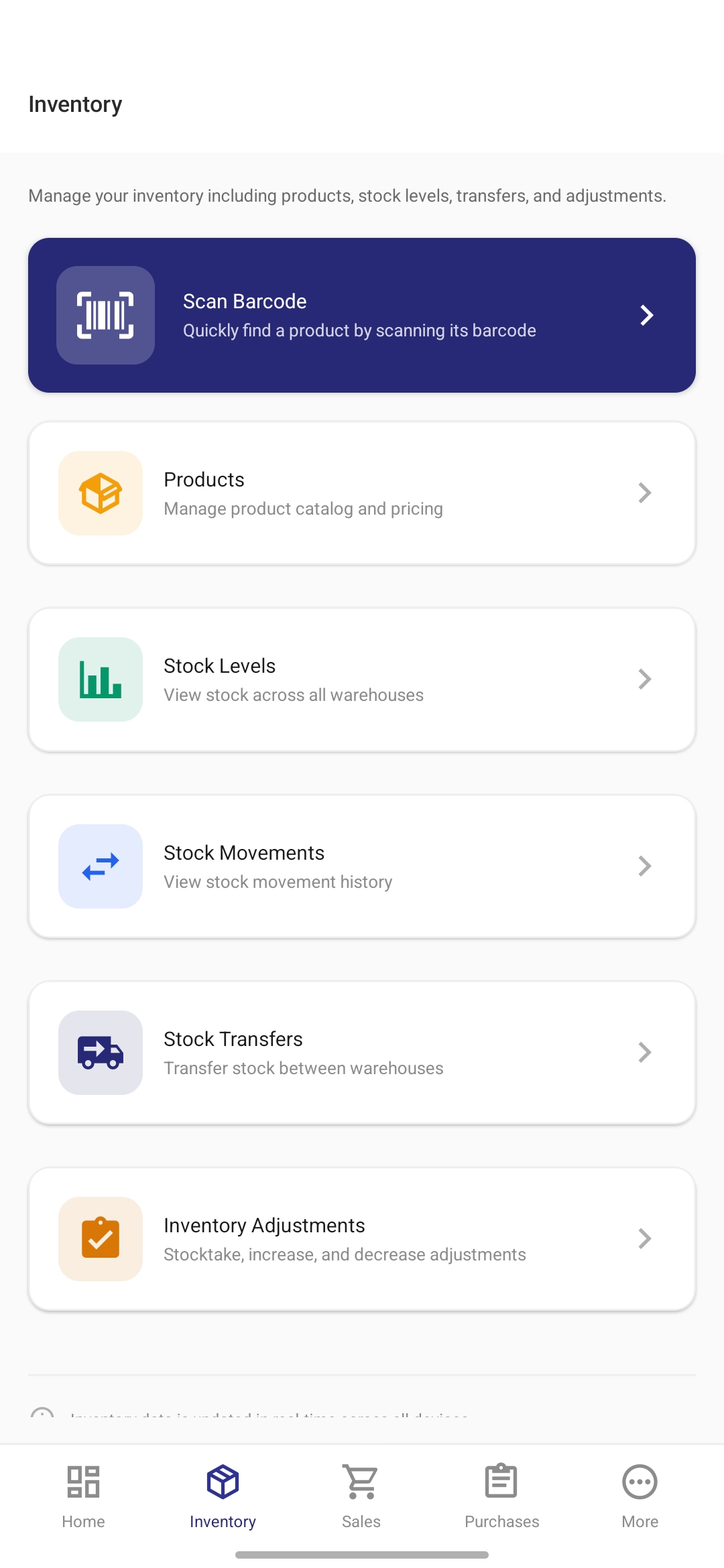
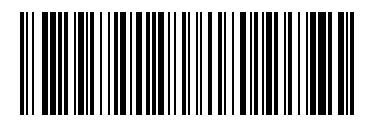
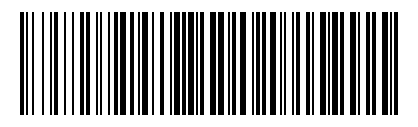
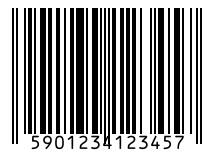
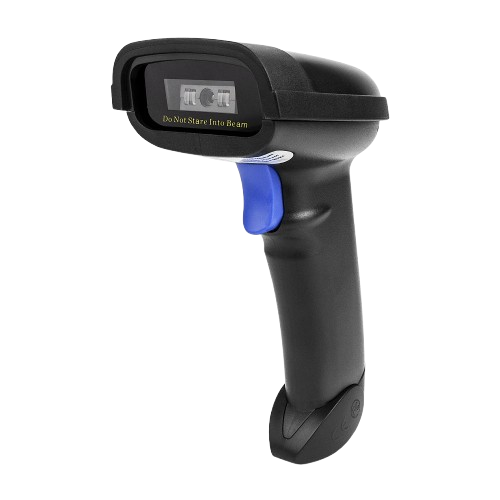
Yes, and as of v1.0.4 every product is auto-issued its own Code128 barcode (PRD-XXXXXXXX) the moment you create it, so you can print and scan immediately. The Universal scan resolver in Sales and Purchases reads signed QR JWTs, SKUs, internal product codes, manufacturer codes and batch barcodes (BCH-XXXXXXXXXX) in a single round-trip, working with the phone's camera or any HID Bluetooth handheld scanner. Bulk-print a 3-column A4 label sheet straight from the Stock Levels dashboard.
How do I pair a thermal receipt printer?
Android: put your Bluetooth Classic thermal printer in pairing mode, open the app and go to Settings → Printing & Receipts, tap Pair New to launch the system Bluetooth screen, complete pairing there, return to the app and hit Refresh, then select the device. A one-tap Test print button confirms the connection. Enable Auto-print and the receipt will print straight after every successful sale.
iOS: pair any AirPrint or BLE printer in iOS Settings → Bluetooth. The app routes printing through the system print sheet, which picks the paired printer up automatically when you tap Print Receipt or complete a sale with auto-print enabled.
What barcode symbology does the app use?
Internally generated codes for products and batches use Code128, which works with every handheld scanner we've tested and tolerates cheap thermal media. If you set a retail EAN-13 / UPC value on a product after creation, the label generator switches to the matching numeric symbology automatically. All printable labels render with a quiet zone so scans stay reliable.
Can I try it before committing?
Yes! Contact us for a demo organization so you can explore every module risk-free before rolling it out to your team.
Is there a web version of the full ERP?
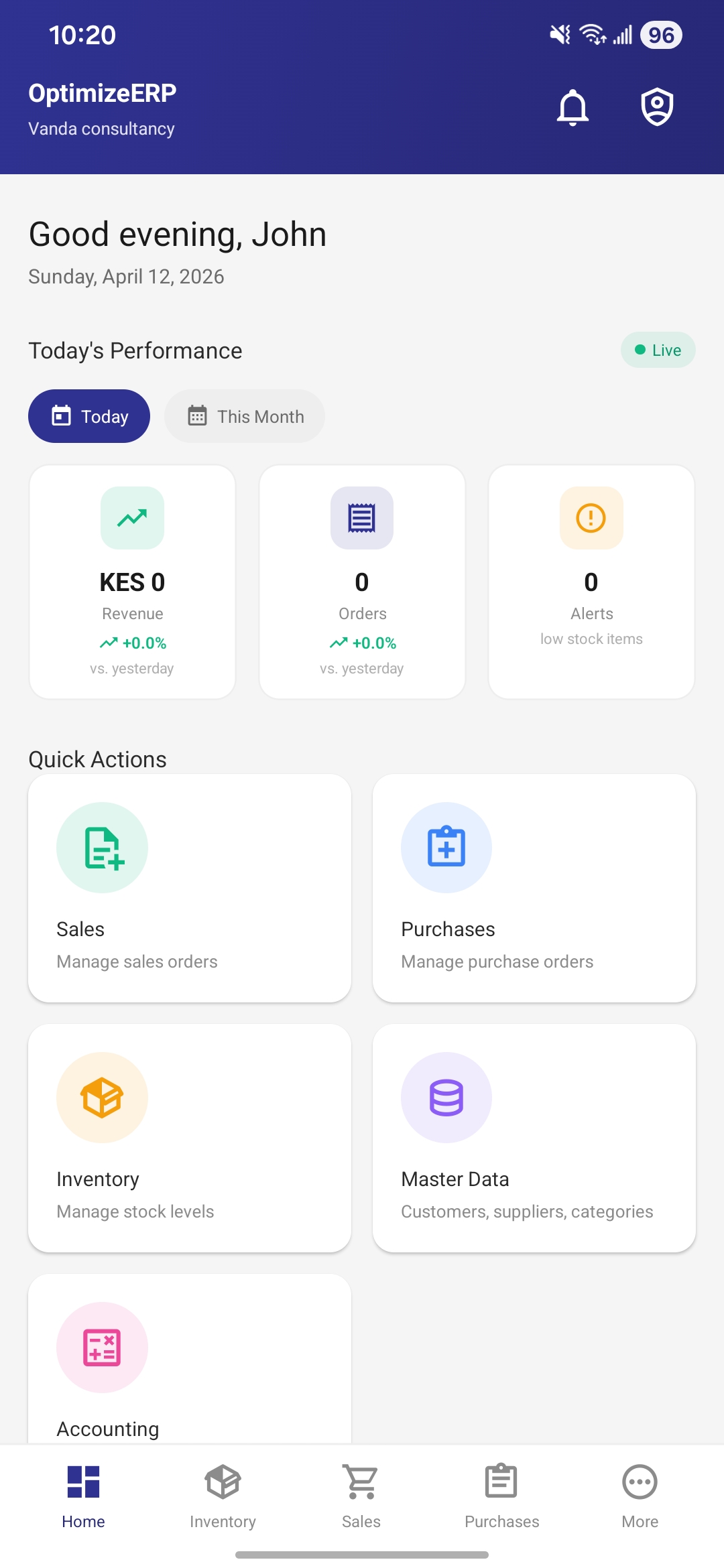
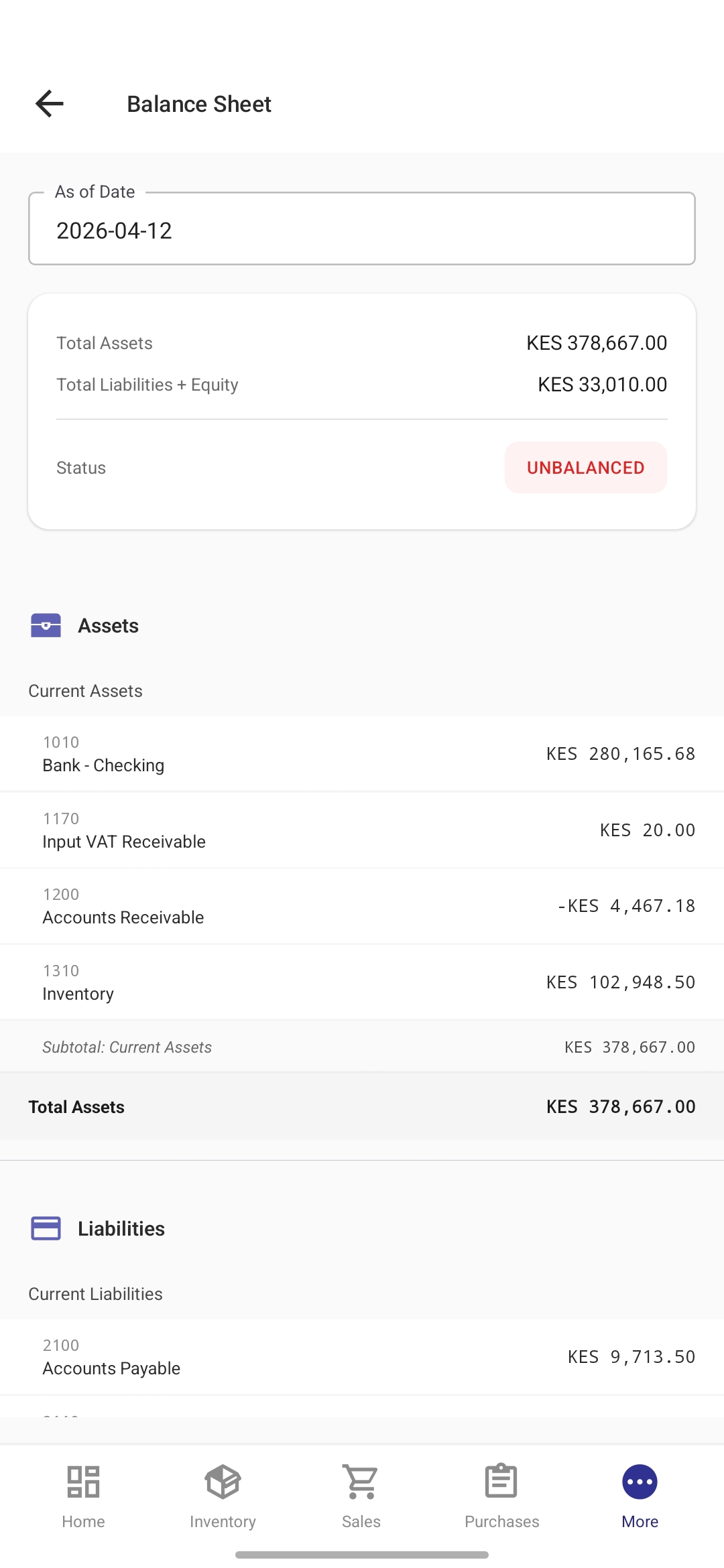
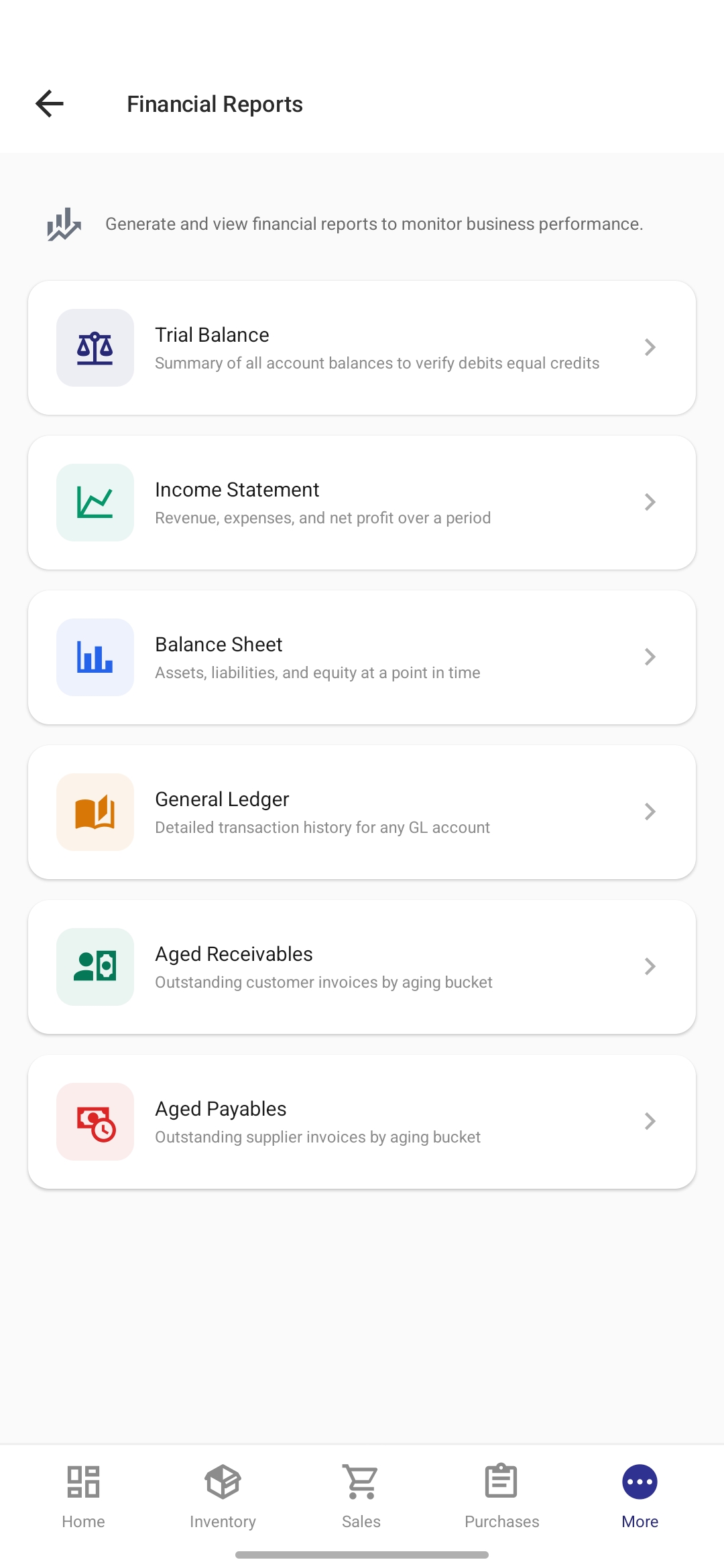
The mobile app covers all ERP modules (inventory, sales, purchases, accounting, reports). The web interface currently focuses on the Point of Sale - perfect for cashier stations and browser-based selling.